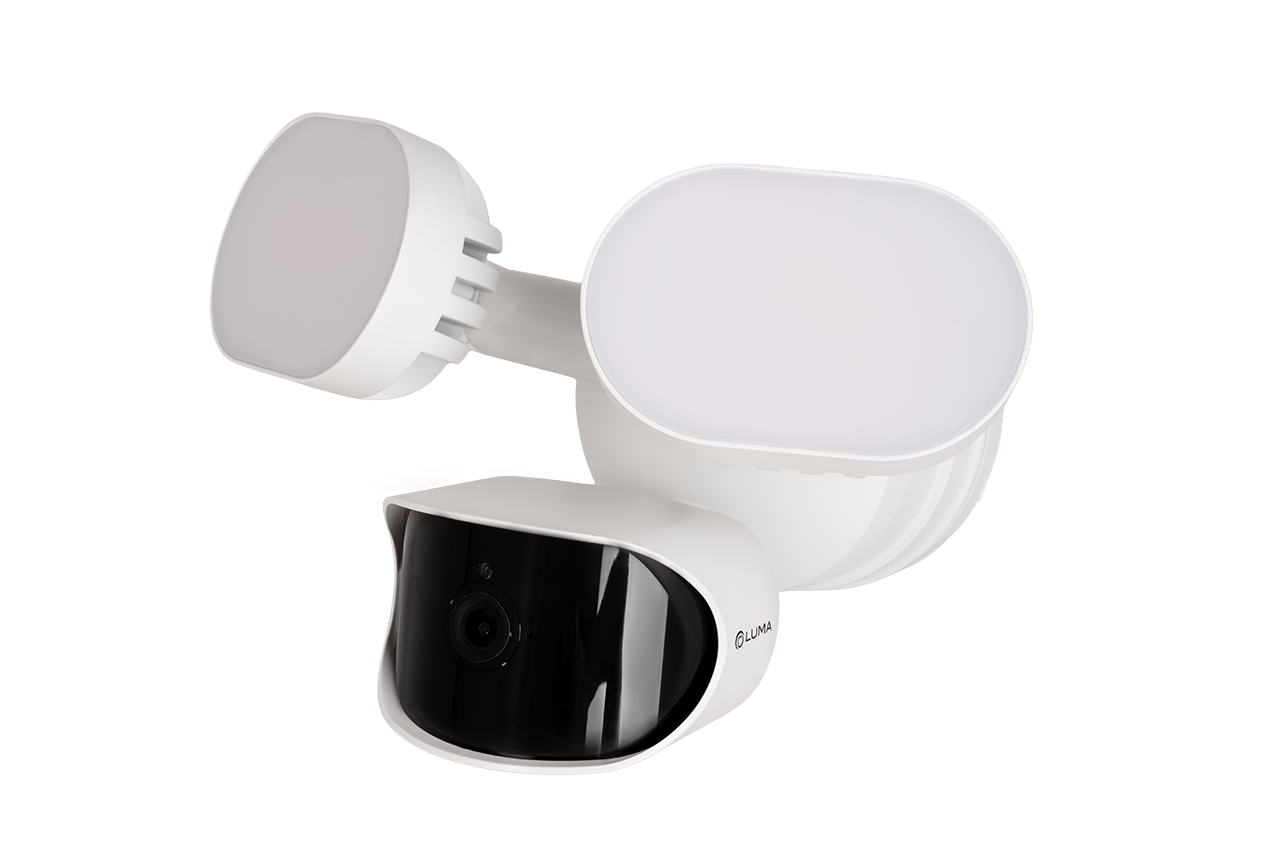
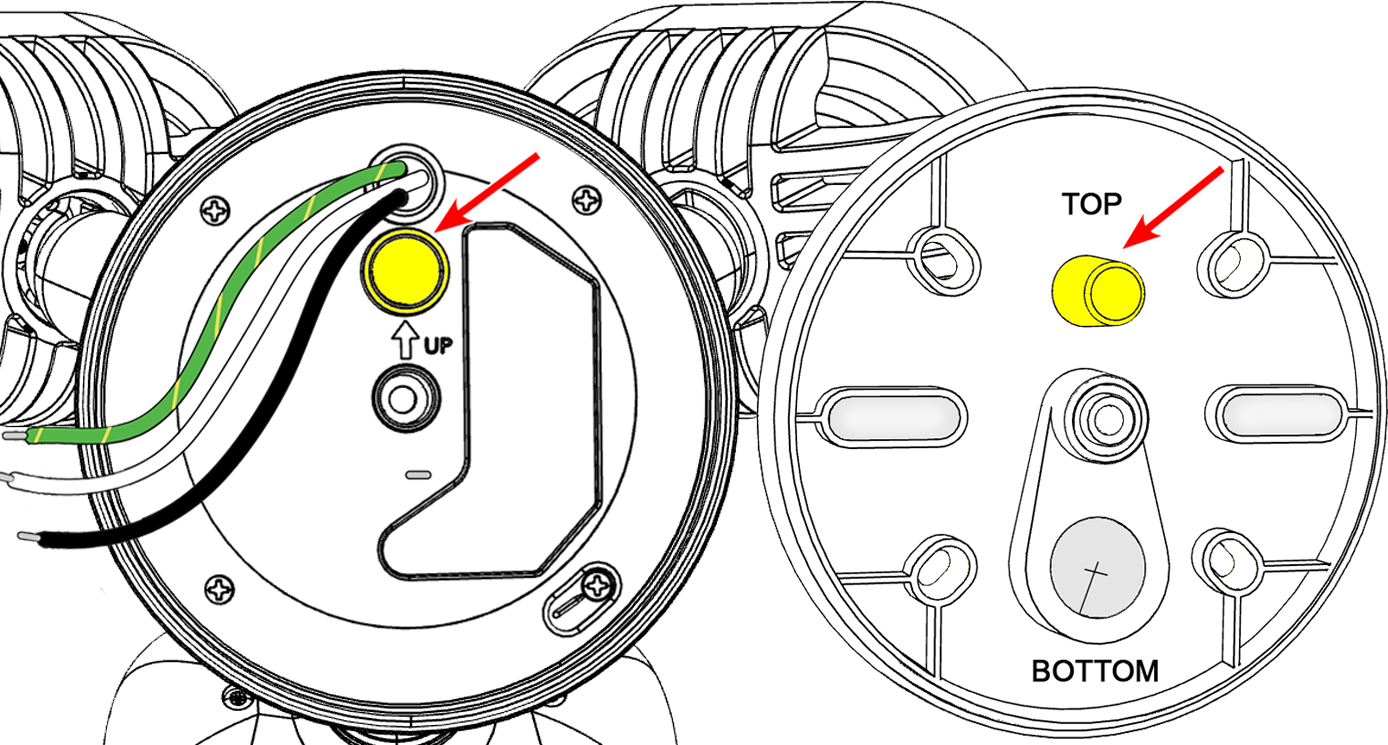
Review mounting plate orientation
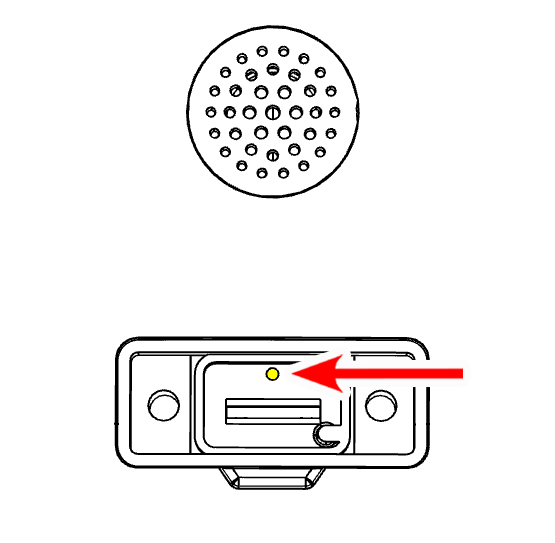
Rotate the mounting plate until the round post is ABOVE the center screw, and the large hole for cable routing is BELOW the center screw.
Locate cable management features
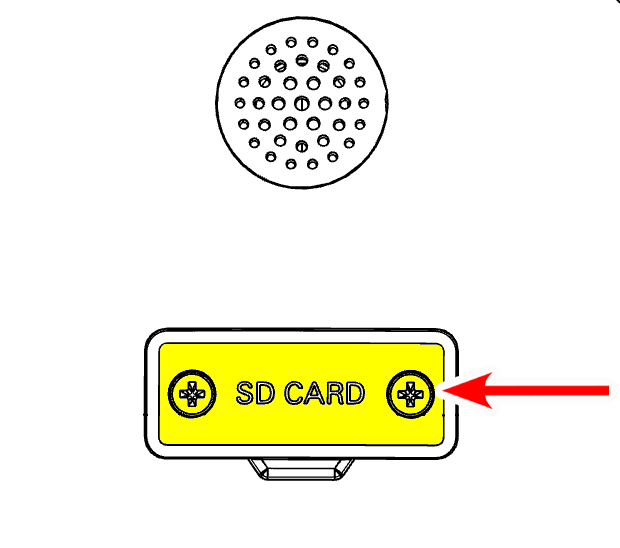
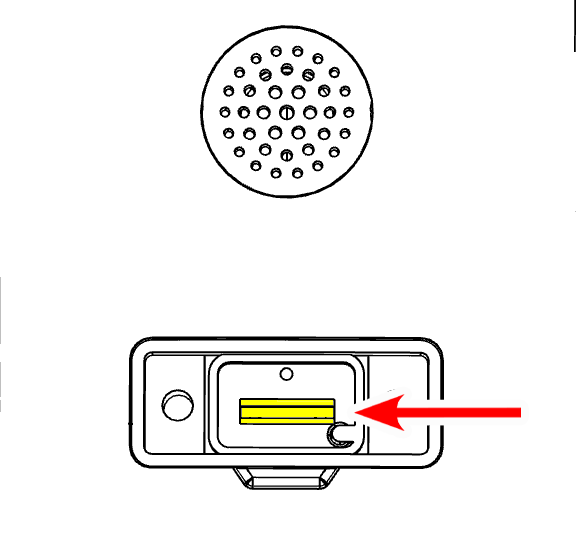
Identify the recessed area on the camera body for excess cable, and the cable routing hole on the mounting plate.
Confirm the round post is above the center screw and the cable-routing hole is below the center screw.
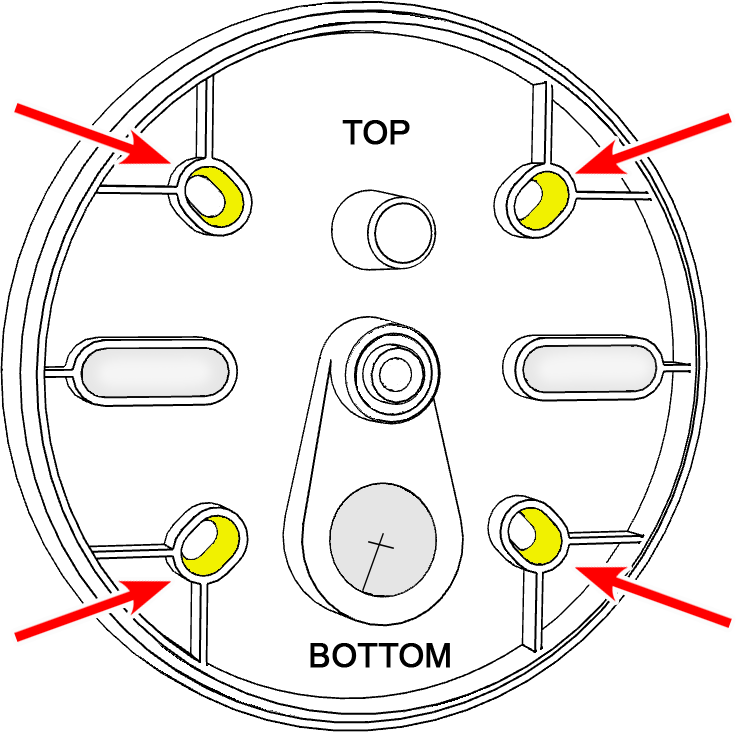
Prepare the surface
Using the mounting plate as a guide, drill pilot holes in the desired location. For best results with AI analysis, we recommend mounting 12–14 ft / 3.7–4.3 m high.
Caution: Rotate the mounting plate until the round post is ABOVE the center screw, and the largest hole for cable routing is BELOW the center screw.
Attach the mounting plate
Screw the mounting plate to the wall/surface.
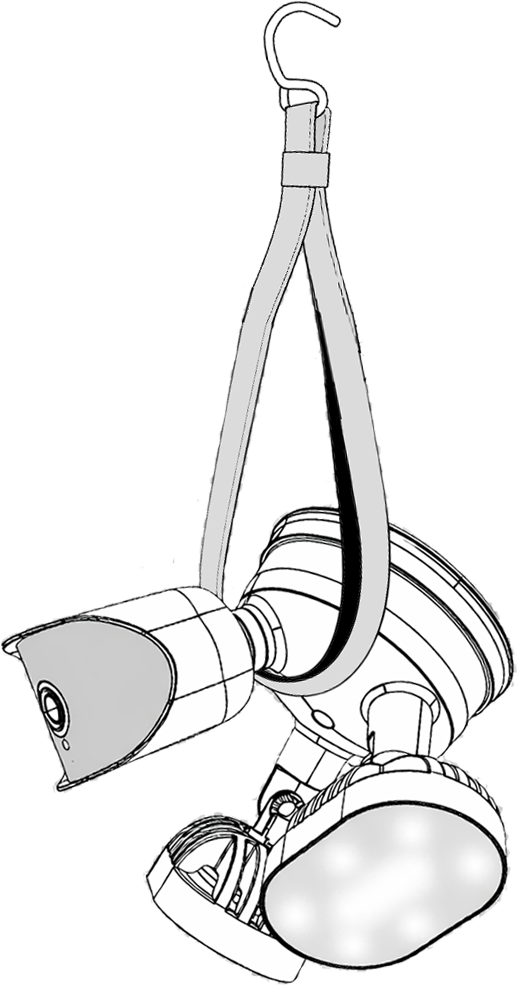
Support the camera
Hang the camera by the included strap.
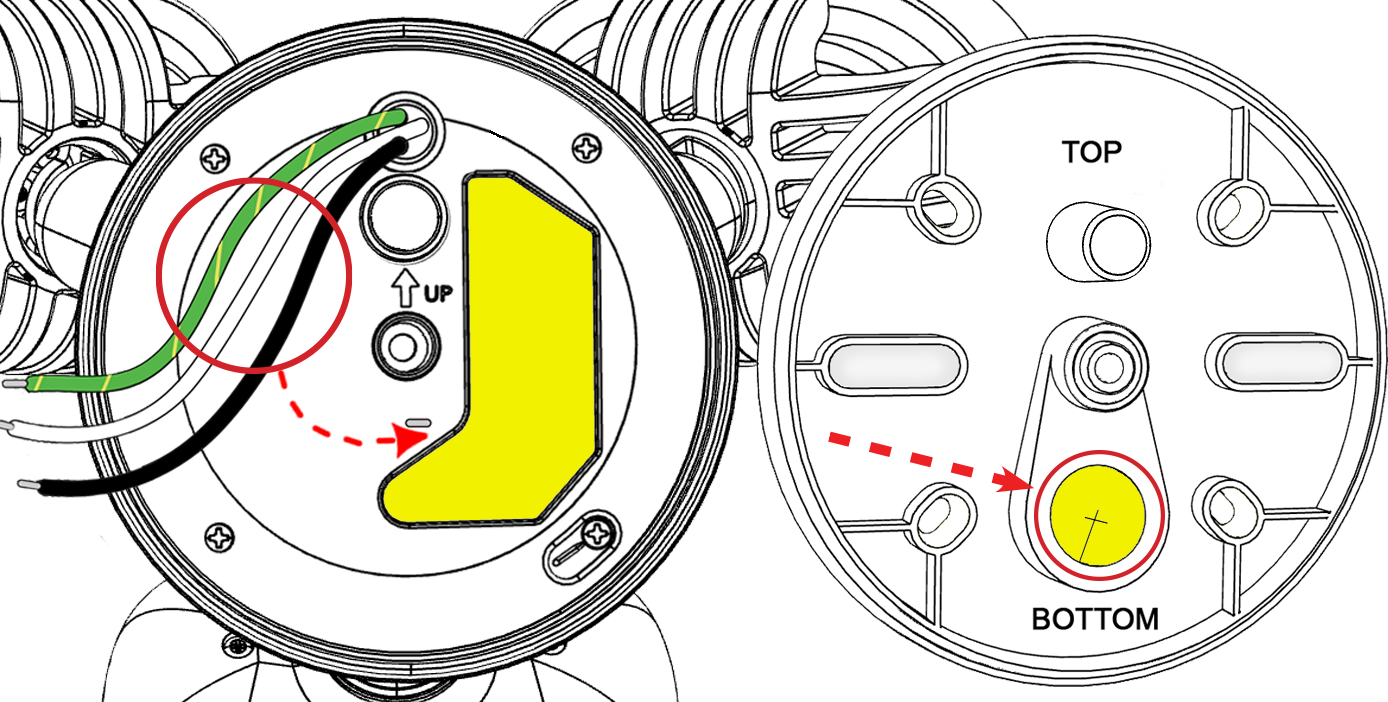
Route the cable through the mounting plate
Note: Confirm the round post is above the center screw and the cable-routing hole is below the center screw.
Gently secure excess cable in the recessed area on the camera body to prevent crimping, then route the pigtail through the mounting plate.
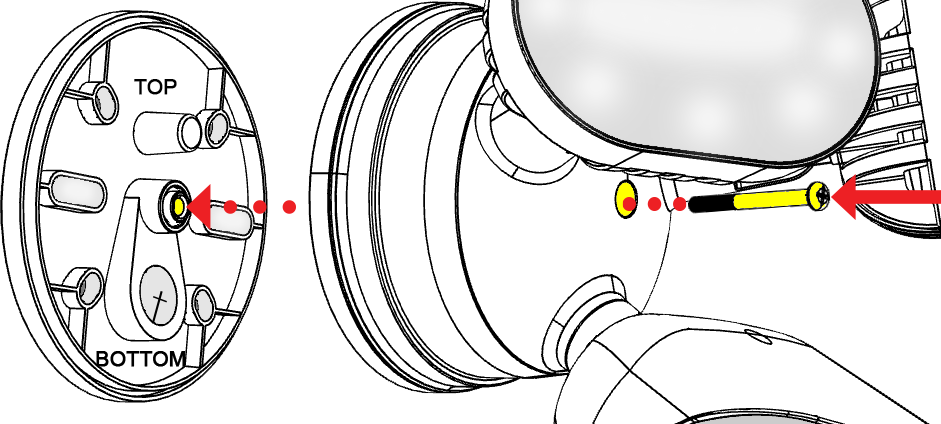
Mount the camera
Insert the long center screw through the camera body and the mounting plate. Gently tighten.
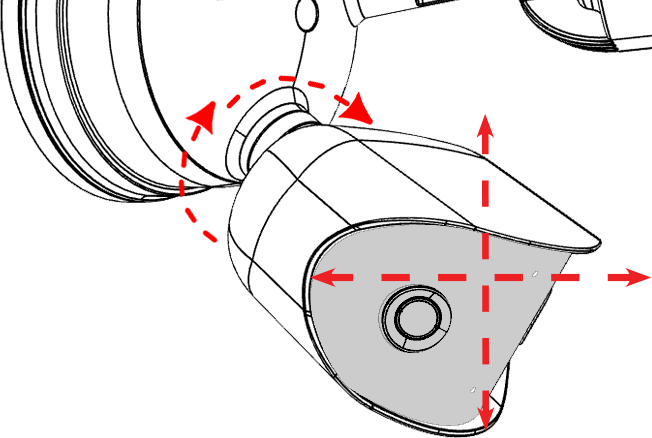
Aim the camera
Tilt or rotate the camera as needed.
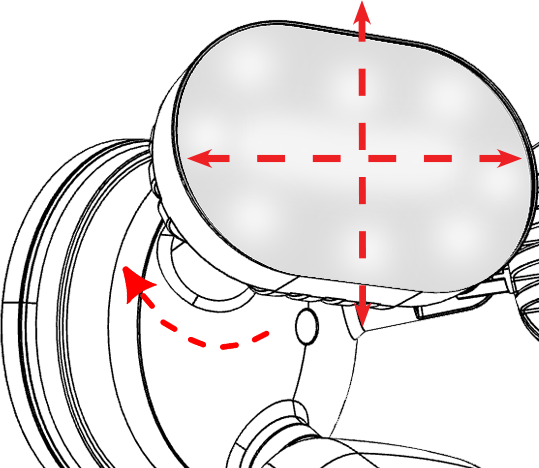
Aim the floodlights
Tilt or rotate each flood light as needed.
| Warranty | Support | Tech Community |
Copyright © 2026, Snap One, LLC. All rights reserved.